
7. The command line and the keys
This step runs a command from the command line, opens the window that lists every key, and quits tt. Open it again if you closed it:
tt --demoRun a command
Section titled “Run a command”Press :. The bottom bar becomes a line that starts with :. Type nosuch and press Enter. The bar says:
Unknown command 'nosuch'.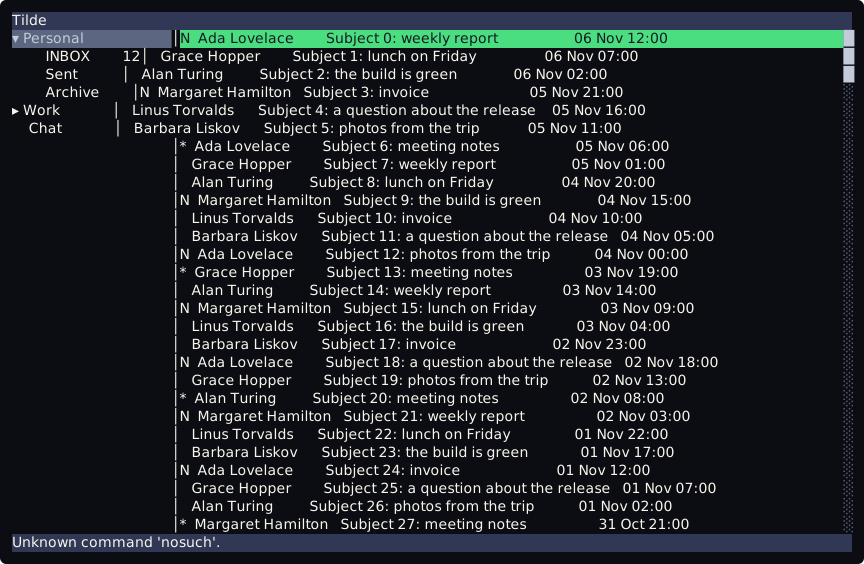
Press j, then type :index.first 3 and press Enter. The bar says message 3 of 200: the command does what 3gg does. Every key but Ctrl-c runs a command like this one, and the line runs the same commands by name. Esc closes the line and runs nothing.
See every key
Section titled “See every key”Press ?.
Checkpoint
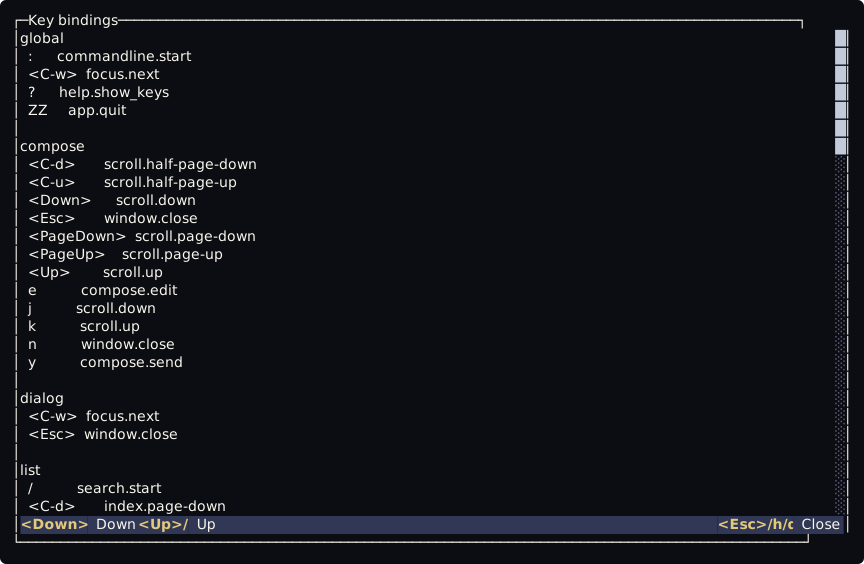
Section titled “Checkpoint”You should see a window over the whole screen:
┌─Key bindings──────────────────────────────│global│ : commandline.start│ <C-w> focus.next│ ? help.show_keys│ ZZ app.quit││dialog│ <C-w> focus.next│ <Esc> window.close││list│ / search.startEach block is a context: global works everywhere but on the command line, list only in the list of messages. Each line is a key, the command it runs and its description when it has one. The window scrolls with the keys of the reader, j, k and G. Press q to close it.
Where the keys come from
Section titled “Where the keys come from”Every key of the window is a line of ~/.config/tilde/scripts/keybind.lua, the file that the first start wrote. To change a key, see Change a key.
Press ZZ. Or type :q and press Enter. q alone does not quit the main screen, and Ctrl-c quits at once.
You should see your shell prompt again.
Next: Next steps.