
The command line
This page explains the command line of tt: the line that : opens at the bottom of the screen, where you type the name of a command and run it.
Try it
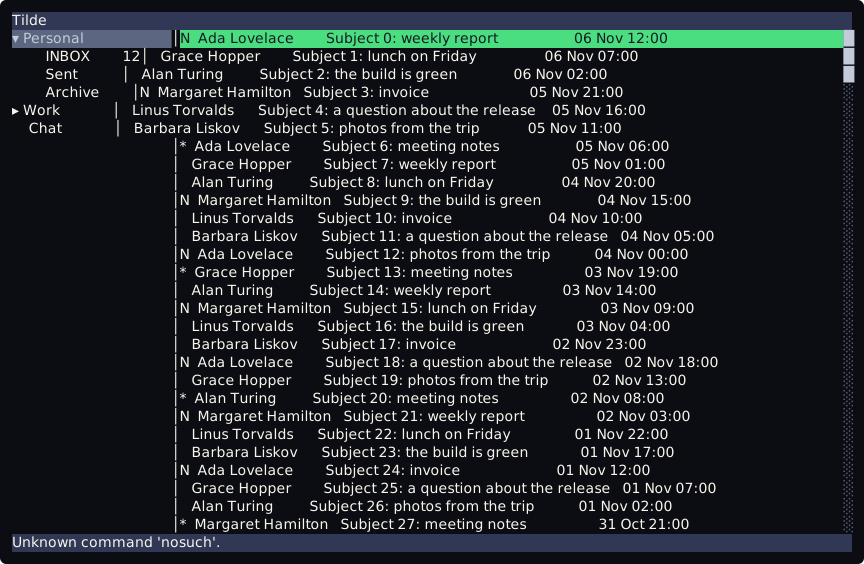
Section titled “Try it”tt --demoType : and the bottom bar becomes a line that starts with :. Type nosuch and press Enter. The line closes and the bottom bar says Unknown command 'nosuch'. The next key puts the status line back, with message 1 of 200. Type :q and Enter to quit.
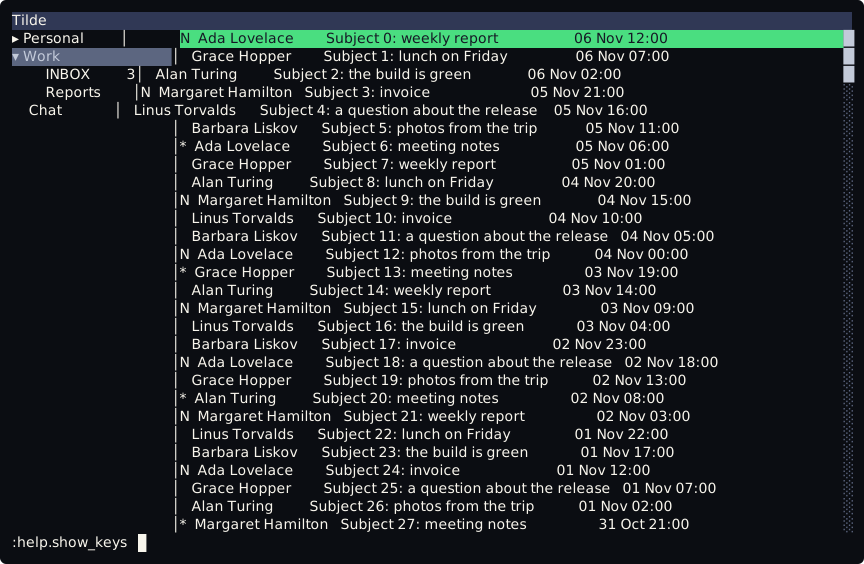
This is the line with a command typed, before Enter:
How a line runs
Section titled “How a line runs”:opens the line from the list or from the tree. It covers the bottom bar.Entercloses the line and runs it.Esccloses it and runs nothing.- The first word is the name of the command, and the other words go to it.
:index.first 3does what3ggdoes. - Words are split on spaces. Double quotes make one word of several:
:search.run "weekly report". A double quote that is not closed is an error, and there is no escape for a quote inside a word. - A blank line runs nothing.
- What the command says goes to the bottom bar, until the next key:
Scripts reloaded.after:scripting.reload, for example. - One line is open at a time:
:on an open line types a:.
Commands you can run
Section titled “Commands you can run”Every command that Tilde knows runs from the line, the same ones that the keys run:
q,quitandapp.quitquittt.- The commands of the screen, such as
index.next,tree.expandormessage.open. They are listed in tt commands and contexts. search.run <text>searches the list, as/does: see Search.scripting.reloadreads the scripts andkeybind.luaagain, so a key changed in the file works without a restart.- A command that a Lua script adds with
commands.add: see Commands.
A command is the same whether a key, the line or a script runs it. A key bound in keybind.lua to index.next and the line :index.next do the same thing.
Editing keys
Section titled “Editing keys”While the line is open, the keys are those of the context writing. The keys below are bound there, and Tab, which does nothing on the line. Every other key is typed into the line, the digits too, so a count does not work on the line.
| Keys | What they do |
|---|---|
Enter |
run the line |
Esc |
close the line and run nothing |
Left, Right |
move the cursor one character |
Home, Ctrl-a |
go to the start of the line |
End, Ctrl-e |
go to the end of the line |
Backspace |
remove the character before the cursor |
Delete |
remove the character at the cursor |
Ctrl-w |
remove the word before the cursor |
Ctrl-u |
remove everything before the cursor |
The context writing does not fall back to global, so ZZ and : are typed as text here. Ctrl-c still quits.
When Enter does nothing
Section titled “When Enter does nothing”Enter runs the command text.submit. A keybind.lua written before the command line existed does not bind it. Add these lines to keybind.lua and run tt again:
keys.bind("global", ":", "commandline.start")keys.bind("writing", "<CR>", "text.submit")When keybind.lua fails, Tilde still binds :, and Enter and Esc on the line, if the file left them free, so the line can always be closed.
Not there yet
Section titled “Not there yet”The line has no history and no completion yet.